PostProcess FX For RPG MAKER MZ
A downloadable tool
Core Features
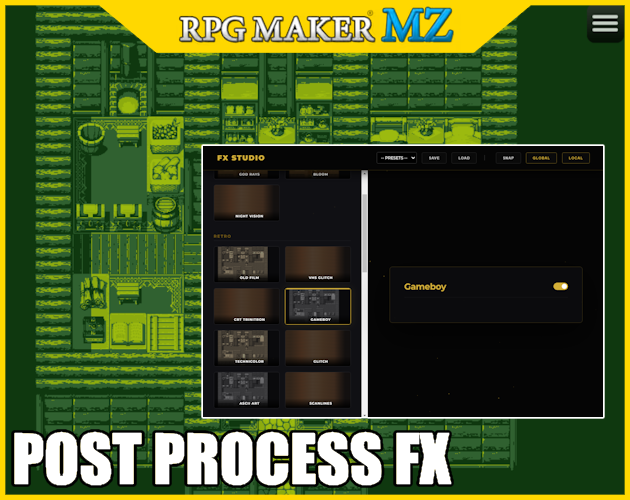
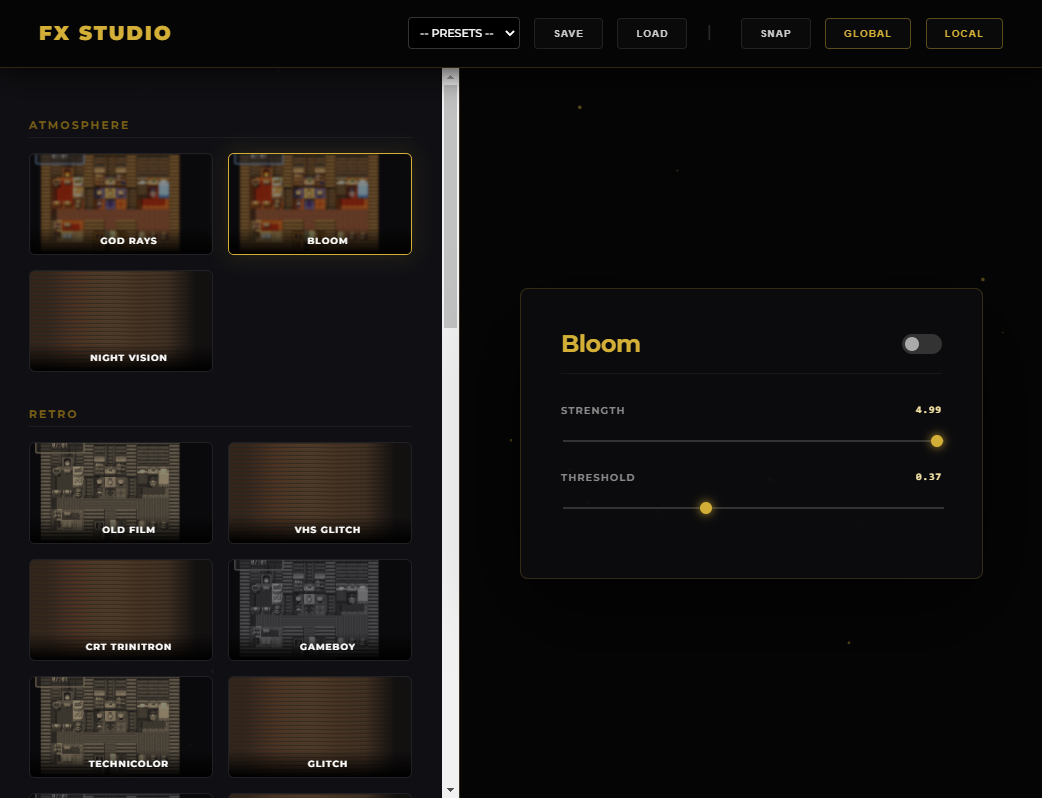
Real-Time Visual Editor: Press F10 during playtest to open the FX dashboard.
Per-Map Configurations: The plugin automatically detects which map you are on, and save settigns per maps.
Performance Optimized: Only active filters are processed. If an effect is toggled off, it consumes zero GPU resources.
Editor Key: Choose between F10 or Tilde (~) to open the editor during development.
Commercial: Can use for Commercial purposes
Editing: You are free to edit the code for personal use.
Download
Install instructions
Install: Place PostProcessing.js in your js/plugins folder.
Leave a comment
Log in with itch.io to leave a comment.